
Instashop

Mobile app for evaluating Instagram shops
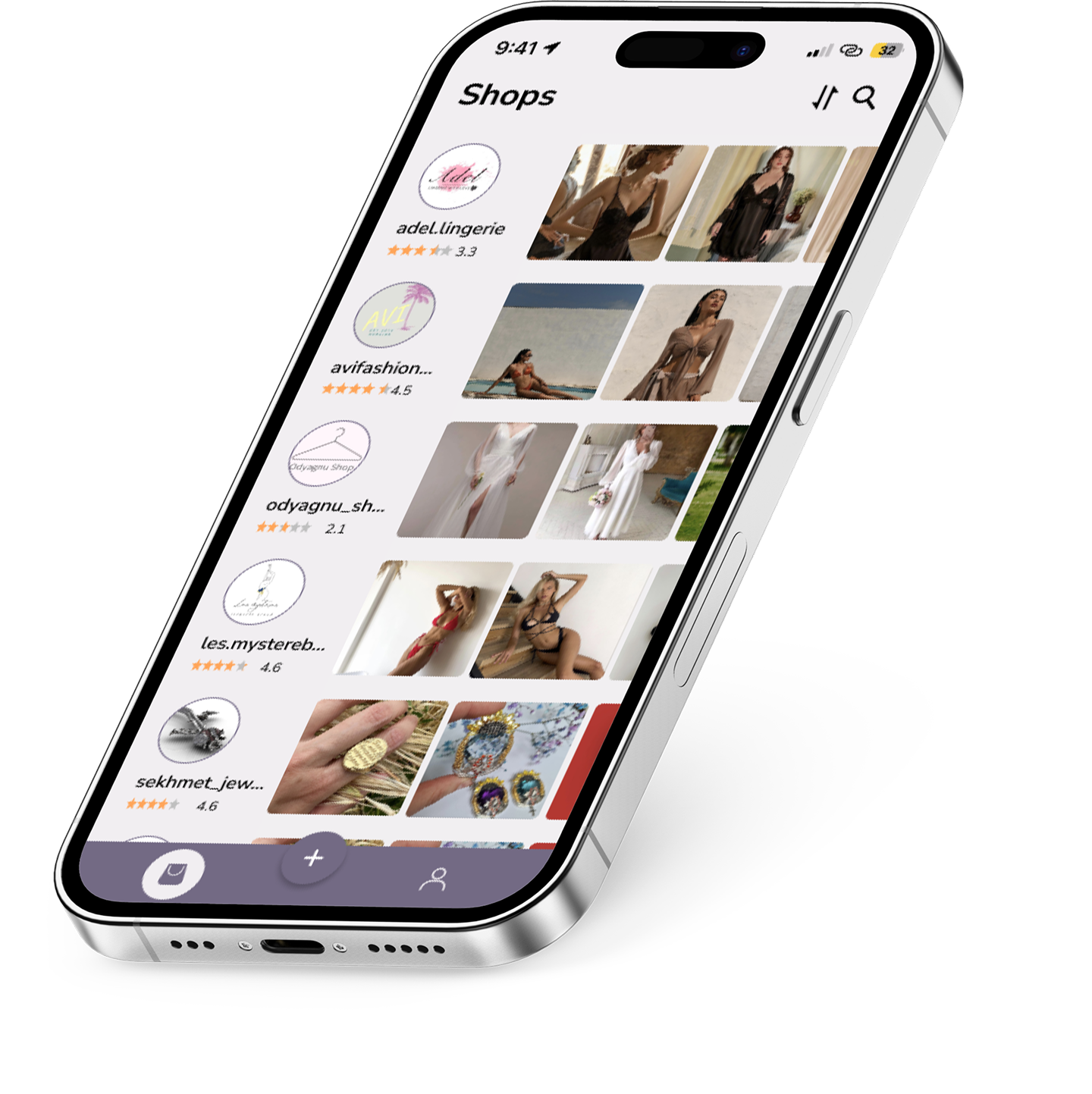
Instashop application displayed on a smartphone

UI/UX Case Study · 2023
Platforms: iOS, Android
Role: UI/UX Design

About the Project

Instashop is a mobile app that helps users evaluate Instagram shops by viewing ratings, reviews, and product previews before making a purchase.


My Role

  • UX Research
  • Wireframing
  • UI Design
  • Prototyping
  • Usability Improvements

Target audience

  • Instagram shoppers
  • Users who compare shops and ratings
  • People looking for trusted sellers
  • Visual-first consumers

Tools

  • Figma
  • Adobe Illustrator
  • Adobe After Effects

The Problem

  • Users cannot evaluate seller credibility on Instagram.
  • No centralized place for comparing shops.
  • Browsing through profiles is time-consuming.
  • Limited transparency (ratings, reviews, trust).

The Solution

  • Unified platform for comparing Instagram shops.
  • Transparent ratings and reviews.
  • Quick product previews.
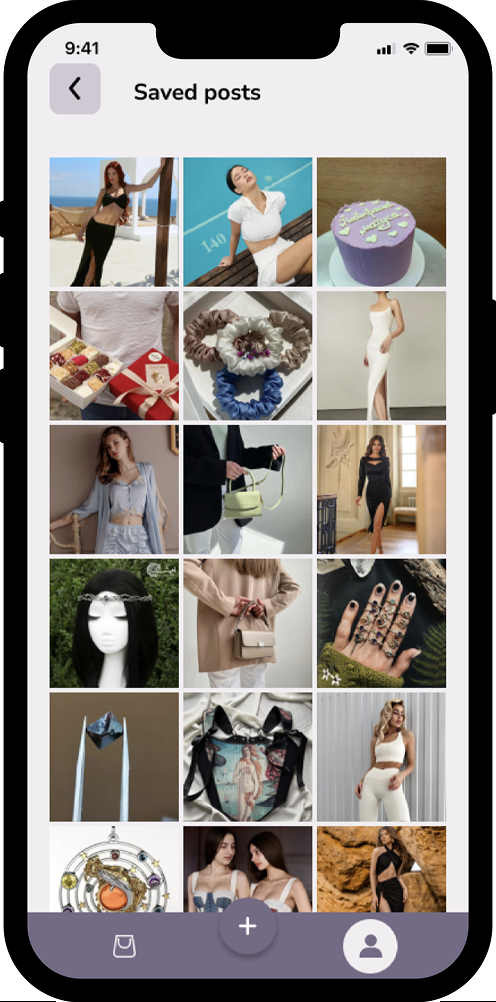
  • Easy way to save shops and items.
  • Clear, confident decision-making.

Design Process

Research
User interviews Surveys Competitor analysis
Define
User persona Problem statements User flows
Ideate
Information architecture Low-fidelity wireframes Content structure
Prototype
Interactive prototypes
Visual Design
UI components Typography Layout High-fidelity screens
Test
Usability testing Iterations

User Personas and Scenarios

User persona and scenario for Sarah User persona and scenario for Alex

User Flow

A high-level user flow illustrating core interactions in Instashop: onboarding, store browsing, product evaluation, and account actions.

Instashop user flow diagram

Mid-Fidelity Wireframes

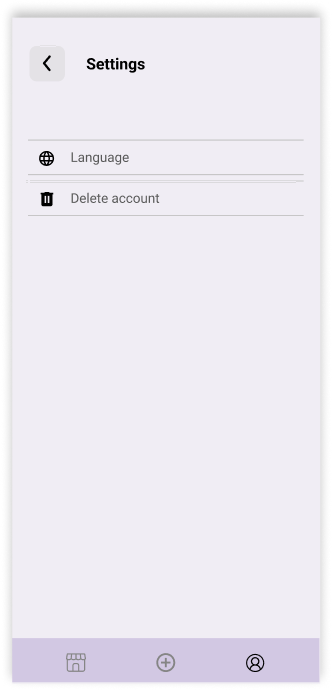
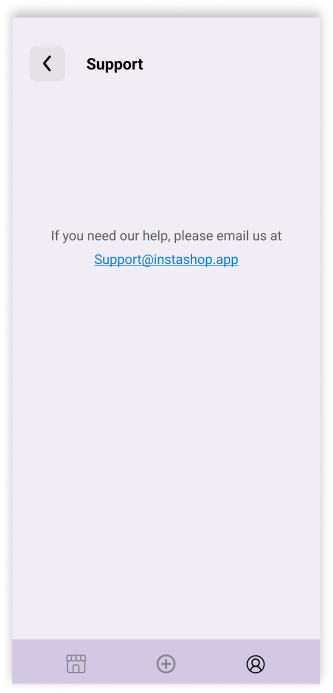
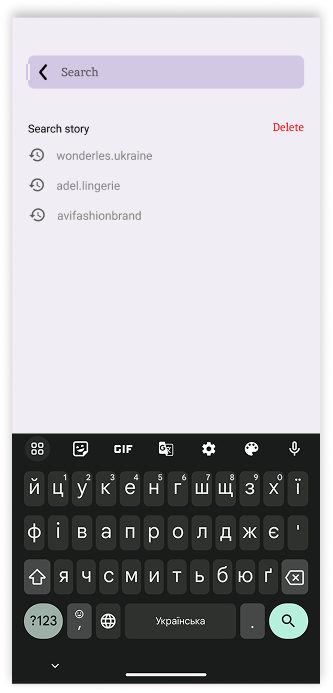
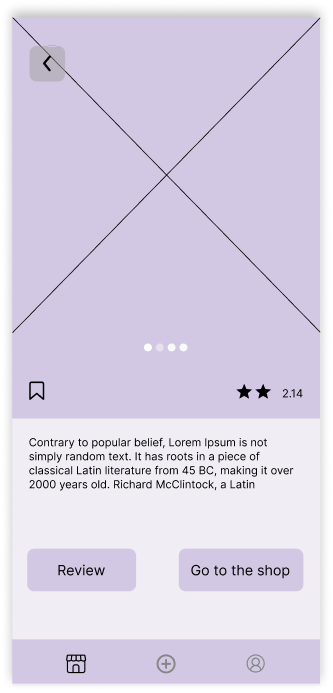
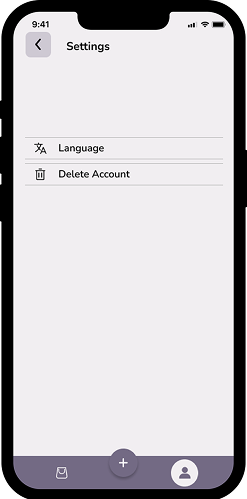
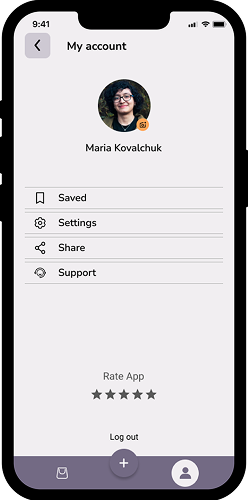
These mid-fidelity wireframes outline the core screens of Instashop, including onboarding, browsing, store interactions, reviews, and account settings. At this stage, the focus was on layout structure, interface logic, and navigation clarity before moving into visual design.
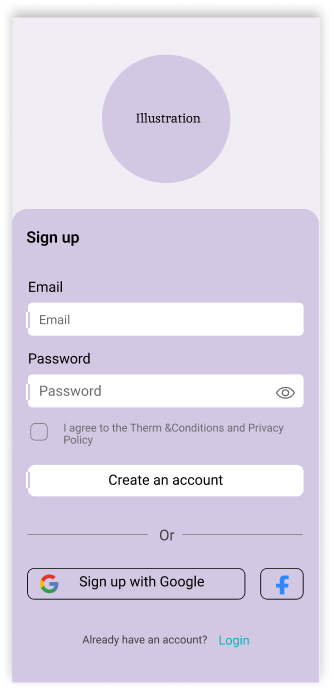
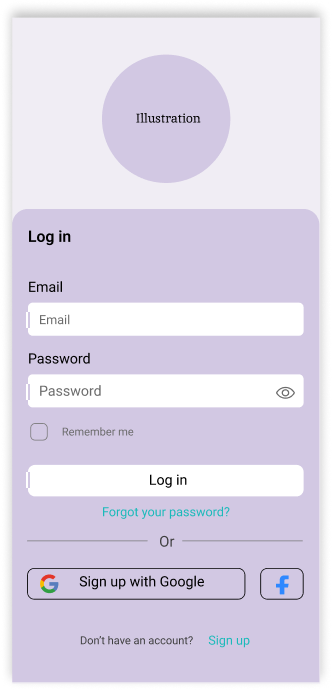
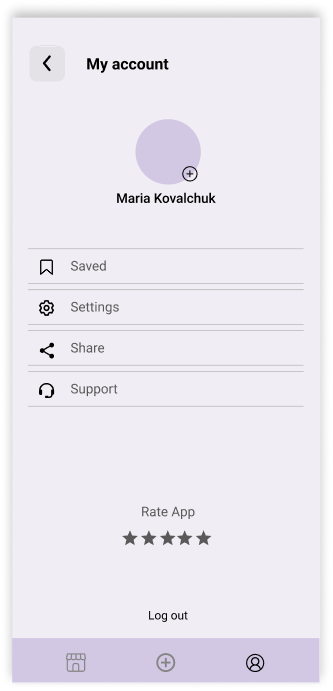
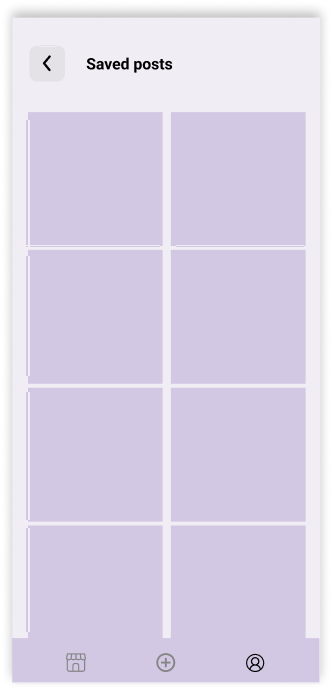
Sign up wireframe Log in wireframe Shops wireframe Sort wireframe Account wireframe Saved posts wireframe Settings wireframe Support wireframe Search wireframe Post wireframe Rate wireframe Shop wireframe No shop yet wireframe Adding store wireframe

Design System

Colors

This color system combines soft neutrals with contrasting accents to create a clean, readable, and modern interface. The palette supports clear visual hierarchy, highlights key actions, and maintains consistency across the entire product experience.

Instashop color system

Typography

Instashop uses a clean and modern typography system based on Nunito Sans for primary UI elements and Roboto for supporting components. This combination ensures readability, clarity, and consistency across different screen sizes and platforms.

Primary Typeface — Nunito Sans

Used for headers, body text, buttons, and general UI elements.
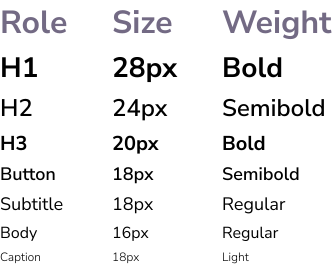
Nunito Sans typography scale

Secondary Typeface — Roboto

Used for system-style labels, small captions, and Android-friendly UI components.
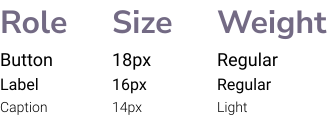
Roboto typography scale

UI Kit

The UI Kit defines the core interface components used across Instashop, ensuring consistent behavior, visual clarity, and scalable interaction patterns.

Icons

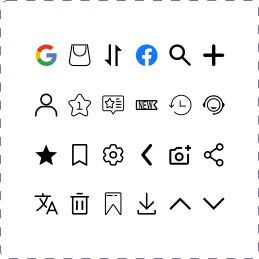
Social • Navigation • Controls

Instashop icon set

Status Bar

iOS default status bar (light mode)

iOS light mode status bar

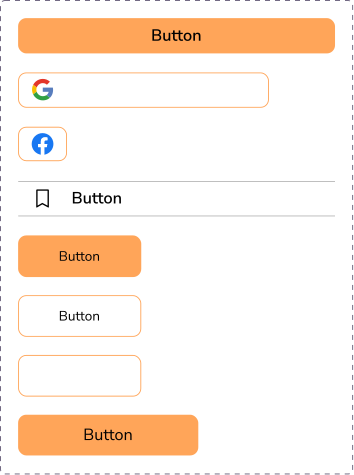
Buttons

  • Primary
  • Secondary
  • Tertiary
  • Social Login Buttons
  • Icon Button
  • Disabled State
Instashop button styles

Dropdown Menu

  • Default
  • Expanded
  • Selected
Instashop dropdown states

Authorization Screens

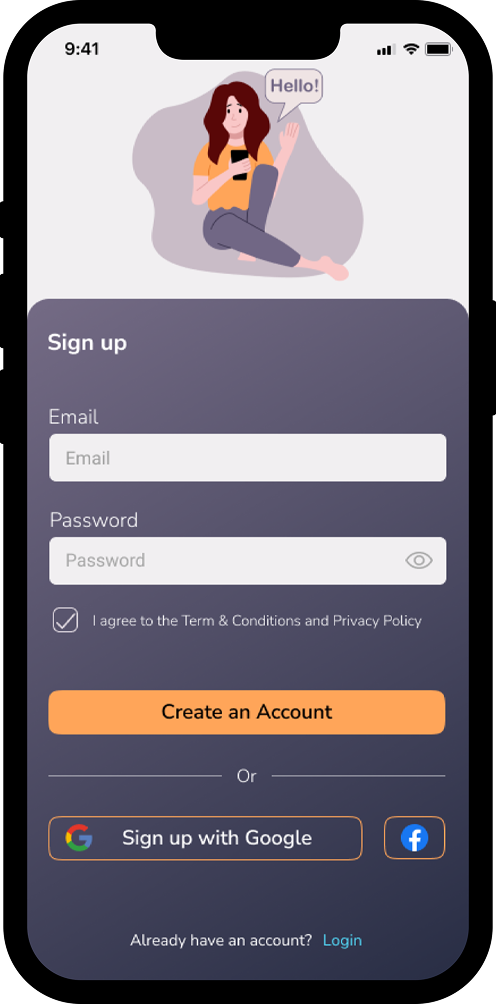
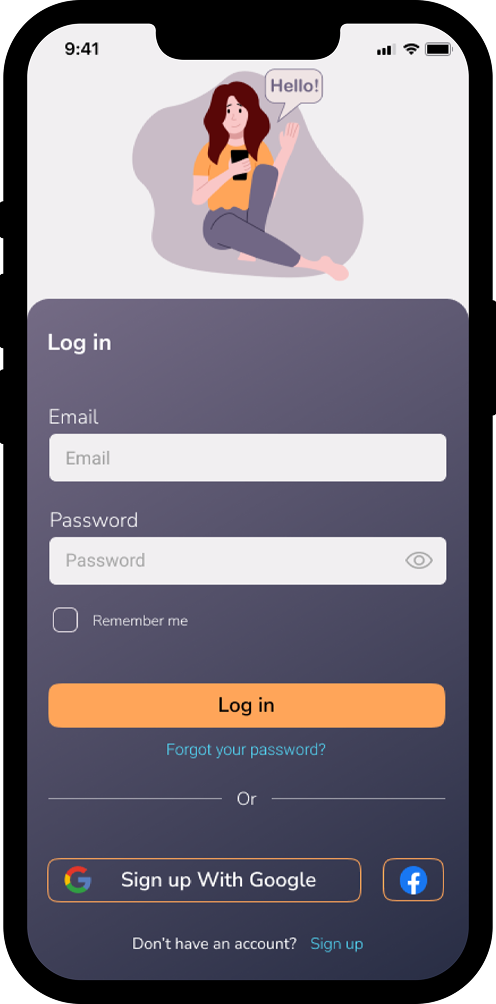
These screens support first-time and returning users with a clear and simple authentication flow. The system offers multiple sign-in methods, optional data persistence, and seamless transitions between registration and login.

Shops Screen

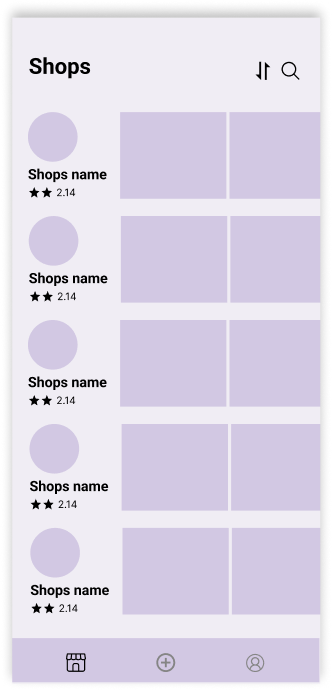
The Shops screen serves as the main browsing hub, allowing users to discover Instagram stores, view ratings, sort results, and access additional navigation options.
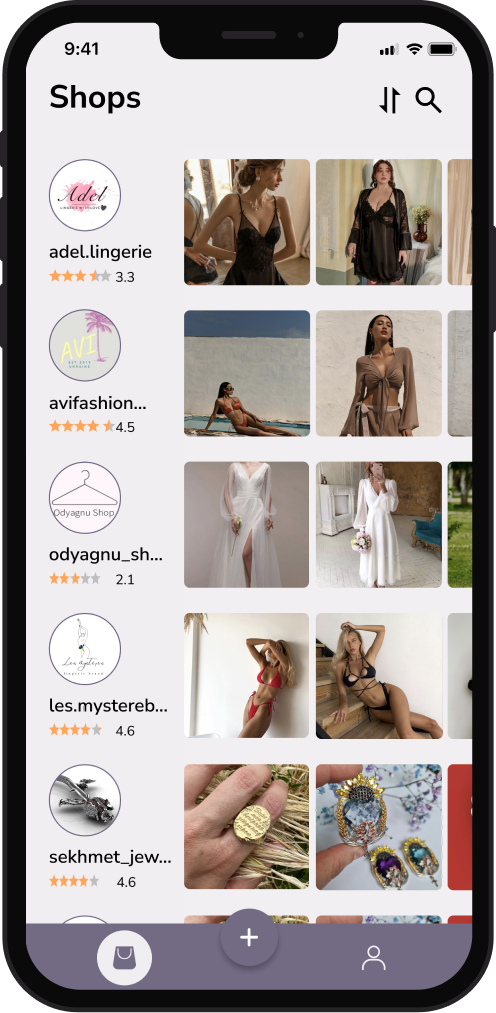
  • Displays all stores already added to the app.
  • Each store card includes rating, thumbnail, and quick access to latest posts.
  • Bottom Navigation gives access to account, home feed, and "add store" action.
  • Enables fast movement between primary app sections.
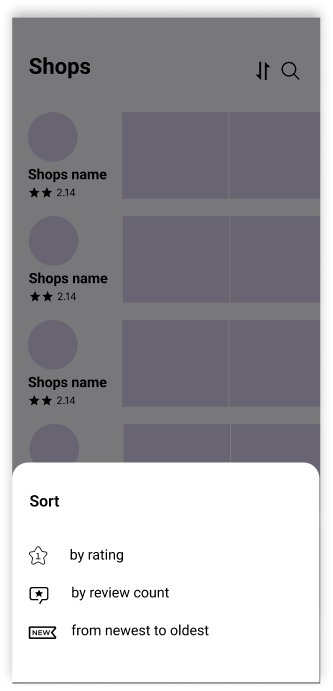
Instashop shops screen Instashop sorting panel Instashop store search screen
  • Bottom Navigation gives access to account, home feed, and "add store" action.
  • Enables fast movement between primary app sections.
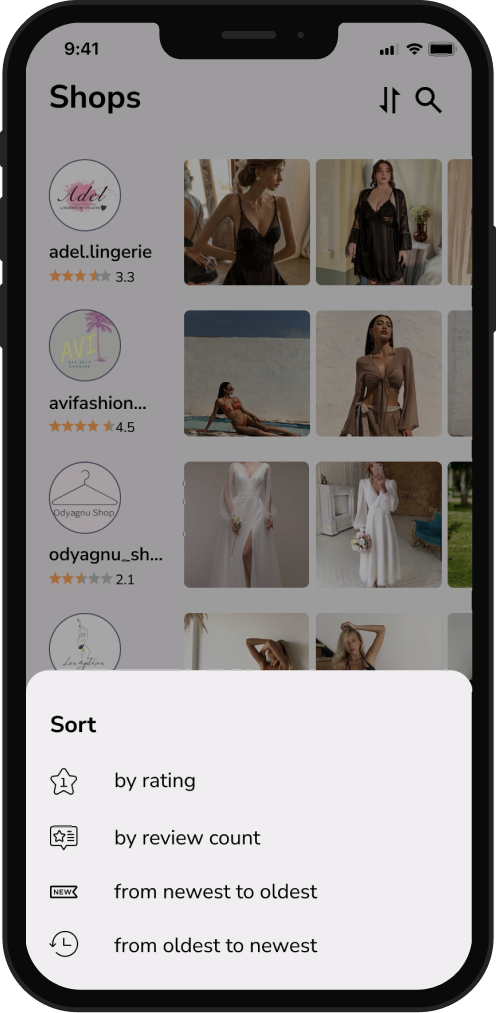
  • Users can sort stores by rating, review count, or recency.
  • Sorting panel opens from the bottom for easy one-handed use.

Shop Screens

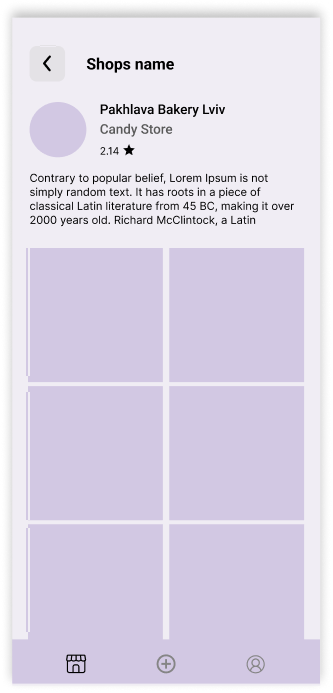
The Shop section provides users with access to Instagram store profiles, product previews, and rating functionality - all aggregated into a structured, shopping-friendly format.
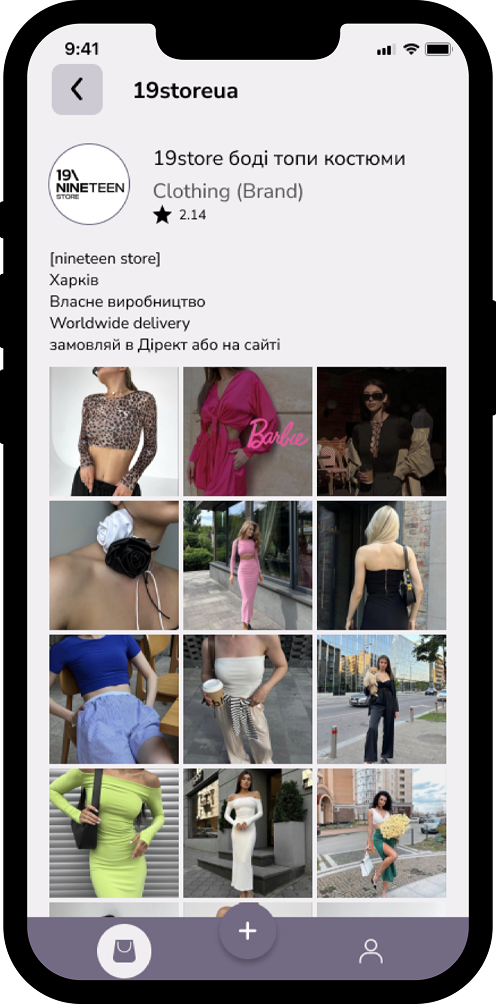
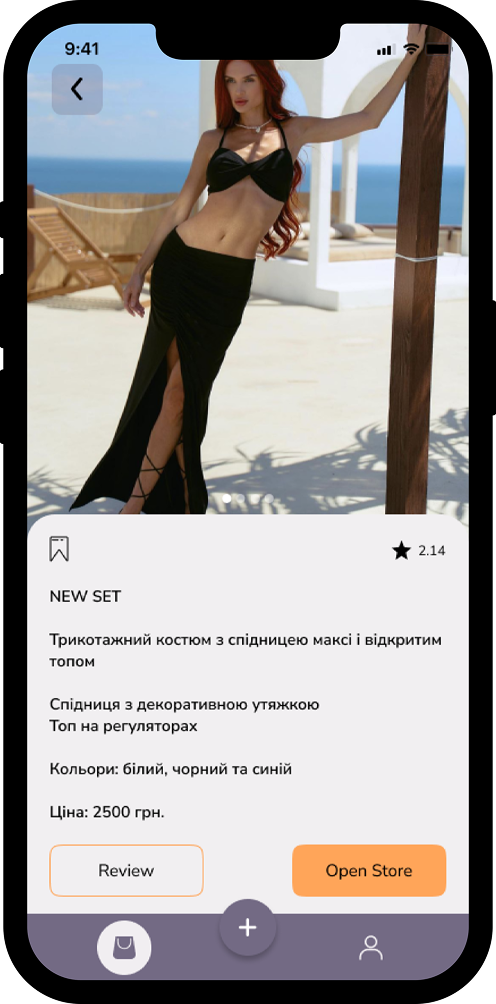
  • Displays store information automatically fetched from Instagram: name, category, follower count, and rating.
  • Shows the latest products posted on the store's Instagram feed.
  • Supports fast browsing through a visually driven grid layout.
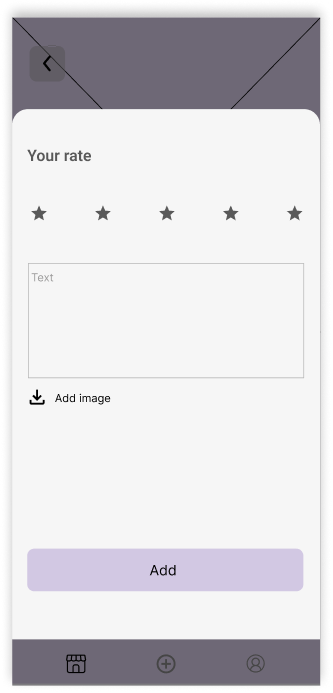
Instashop shop screen Instashop product post screen Instashop review screen
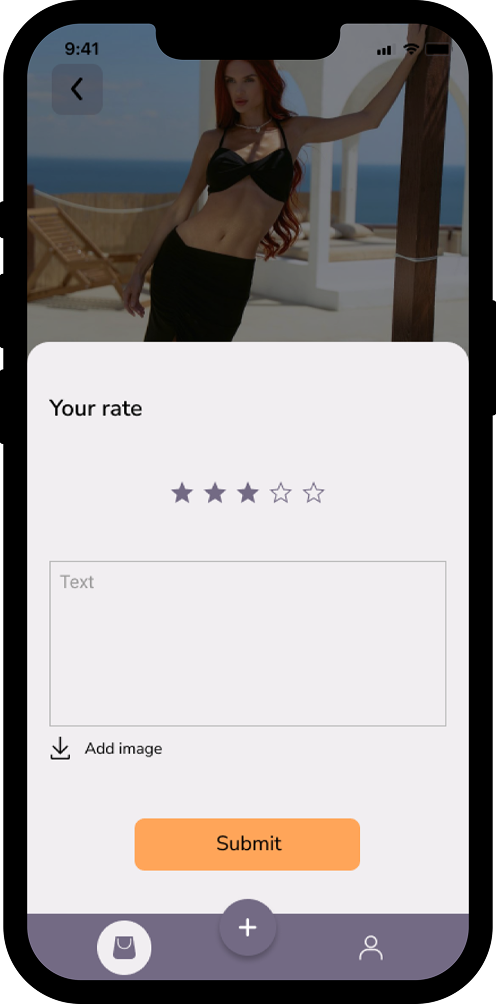
  • Users can submit their own rating and review after purchasing from the store.
  • Supports adding text feedback and optional images.
  • Reviews directly contribute to the store's aggregated rating, increasing transparency for future shoppers.
  • Each product page includes a full-width photo slider for immersive viewing.
  • Users can check product descriptions imported directly from Instagram.
  • Allows saving items to favorites and navigating to the store's Instagram profile for purchase completion.
  • Store and product rating summaries are available for quick credibility evaluation.

Adding Store Screens

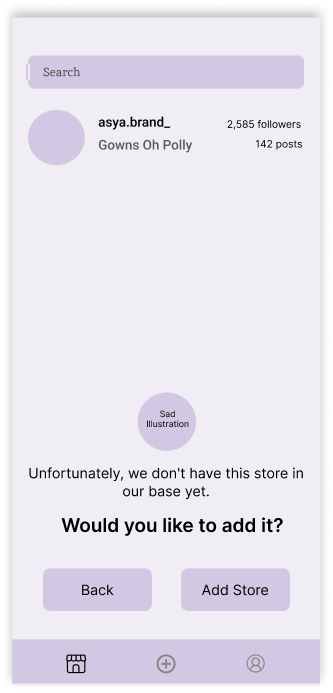
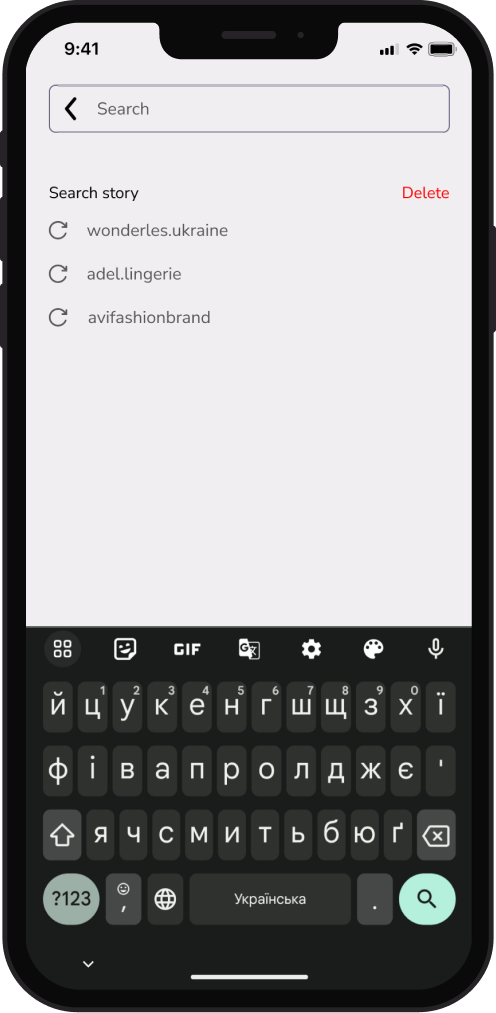
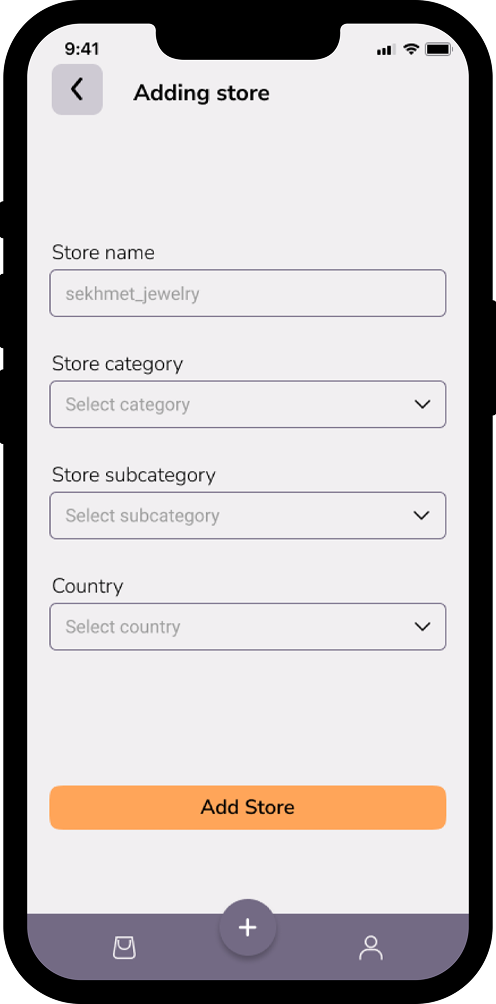
This flow supports cases where users search for a store that hasn't yet been added to the platform, ensuring database scalability and community-driven content growth.
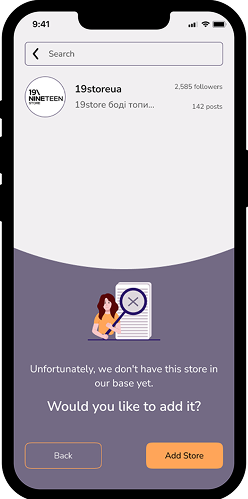
  • When a user searches for a store, the app checks if it exists in the database.
  • If the store is not found, the user is informed immediately and offered the option to add it manually.
  • This prevents dead ends in the search experience and allows users to contribute relevant data.
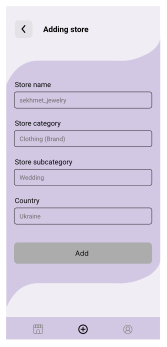
Instashop screen for a store not yet in the app Instashop add store screen

If the user agrees to add the store, they are guided through a simplified form requiring only essential information:

  • store name
  • main category
  • subcategory
  • country

All data can be taken directly from the store's Instagram profile, minimizing cognitive load.

Loader Screen

A lightweight loading state designed to bridge short wait times during data fetching without interrupting the user flow.
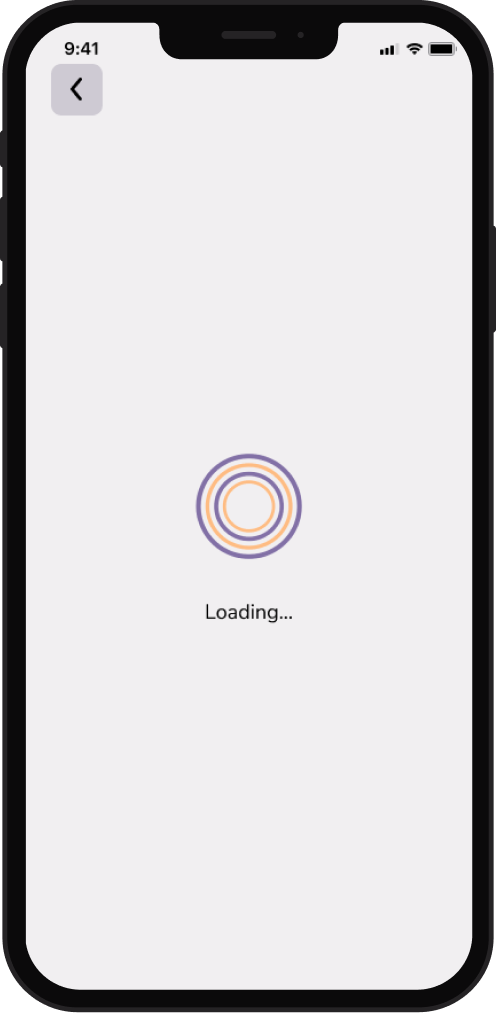
  • Provides visual feedback while the app retrieves data from the Instagram API or internal database.
  • Prevents user uncertainty by clearly communicating that the system is processing a request.
  • Maintains continuity in the experience when navigating between critical sections like product details, store pages, or search results.
Instashop loading screen
  • Minimal animation reduces cognitive load and keeps attention on the upcoming content.
  • Neutral styling ensures the loader blends into the general UI without drawing unnecessary attention or competing with primary content.

Errors & Requests

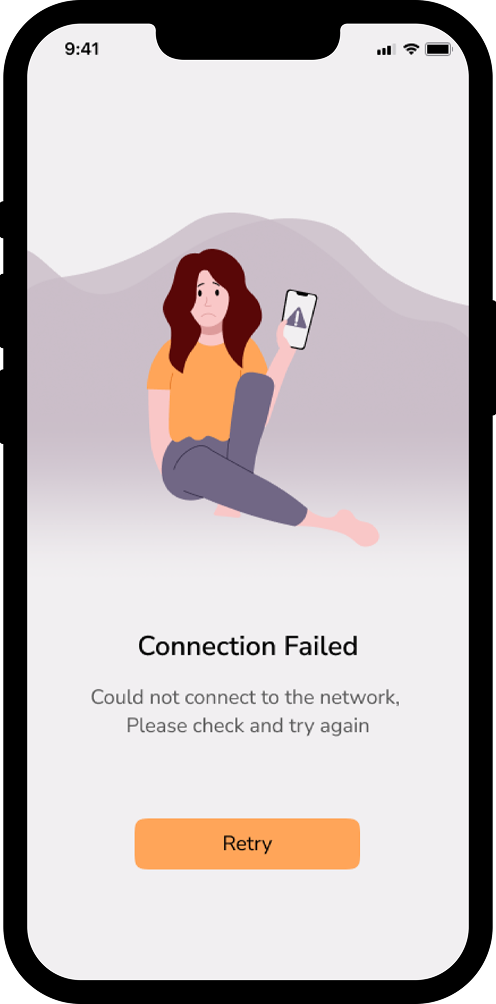
This set of screens provides a consistent and human-centered way to communicate system states that interrupt the primary user flow - such as moderation steps, connectivity issues, or unexpected errors.
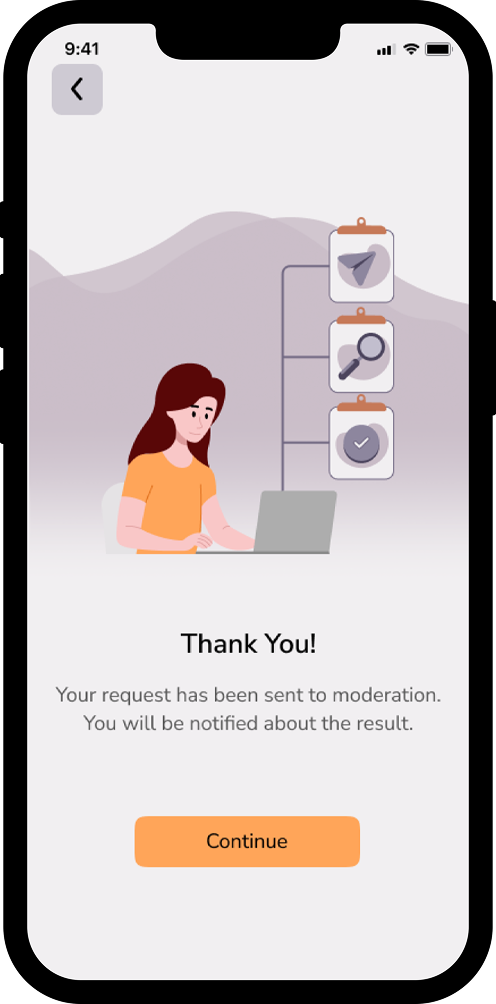
Used after a user submits a new store to the database.

It acknowledges the action, sets expectations about moderation, and prevents uncertainty regarding the submission status.
Request submitted screen Connection failed screen Something went wrong screen
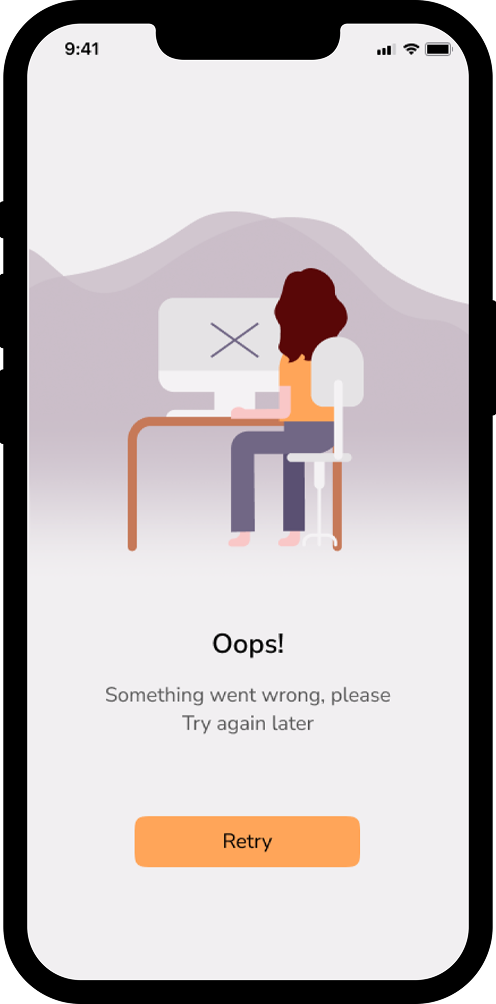
A fallback screen for unexpected failures.

It provides clear guidance and a simple recovery path, helping maintain trust even when the system encounters an issue.
Displayed when the app cannot retrieve data due to network issues.

The messaging and single primary action ("Retry") focus on quick recovery without overwhelming the user or forcing them to restart the session.