
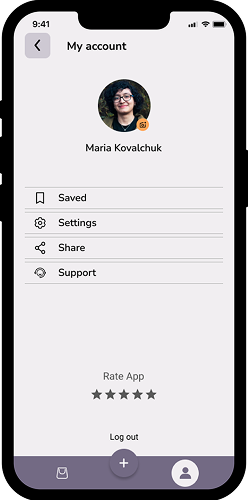
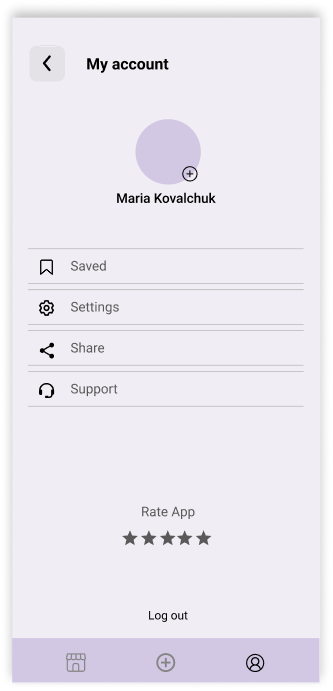
- Displays user profile information and quick actions.
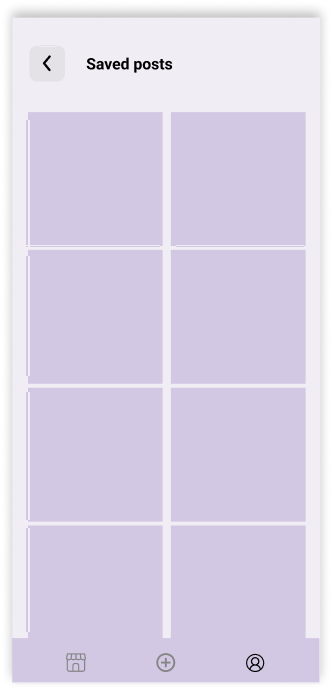
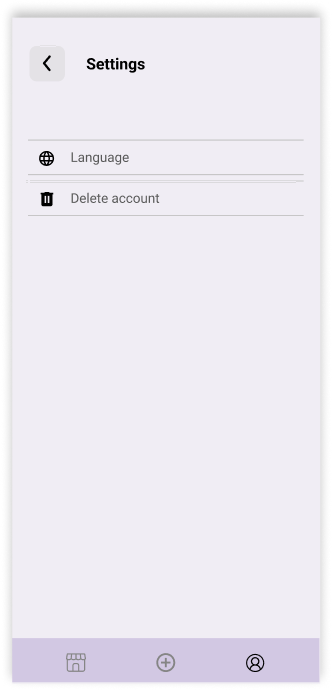
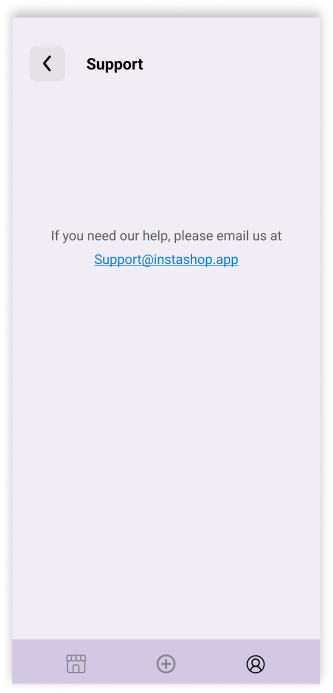
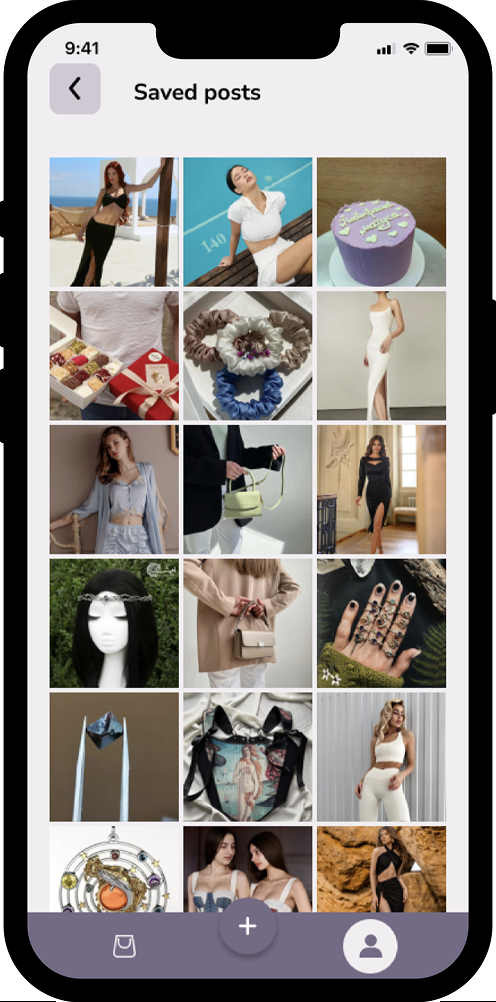
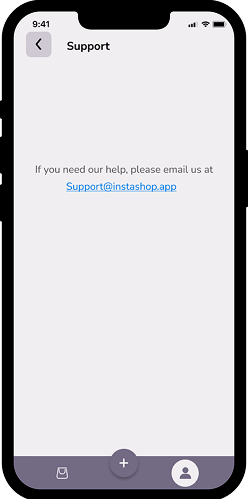
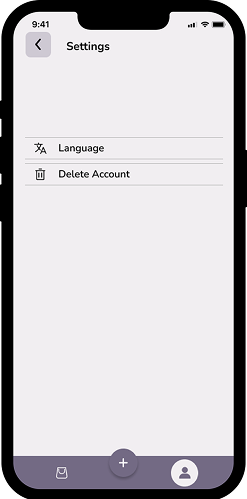
- Includes access to Saved posts, Settings, Share, Support, and Log out.
- Users can update their profile picture.

Mobile app for evaluating Instagram shops
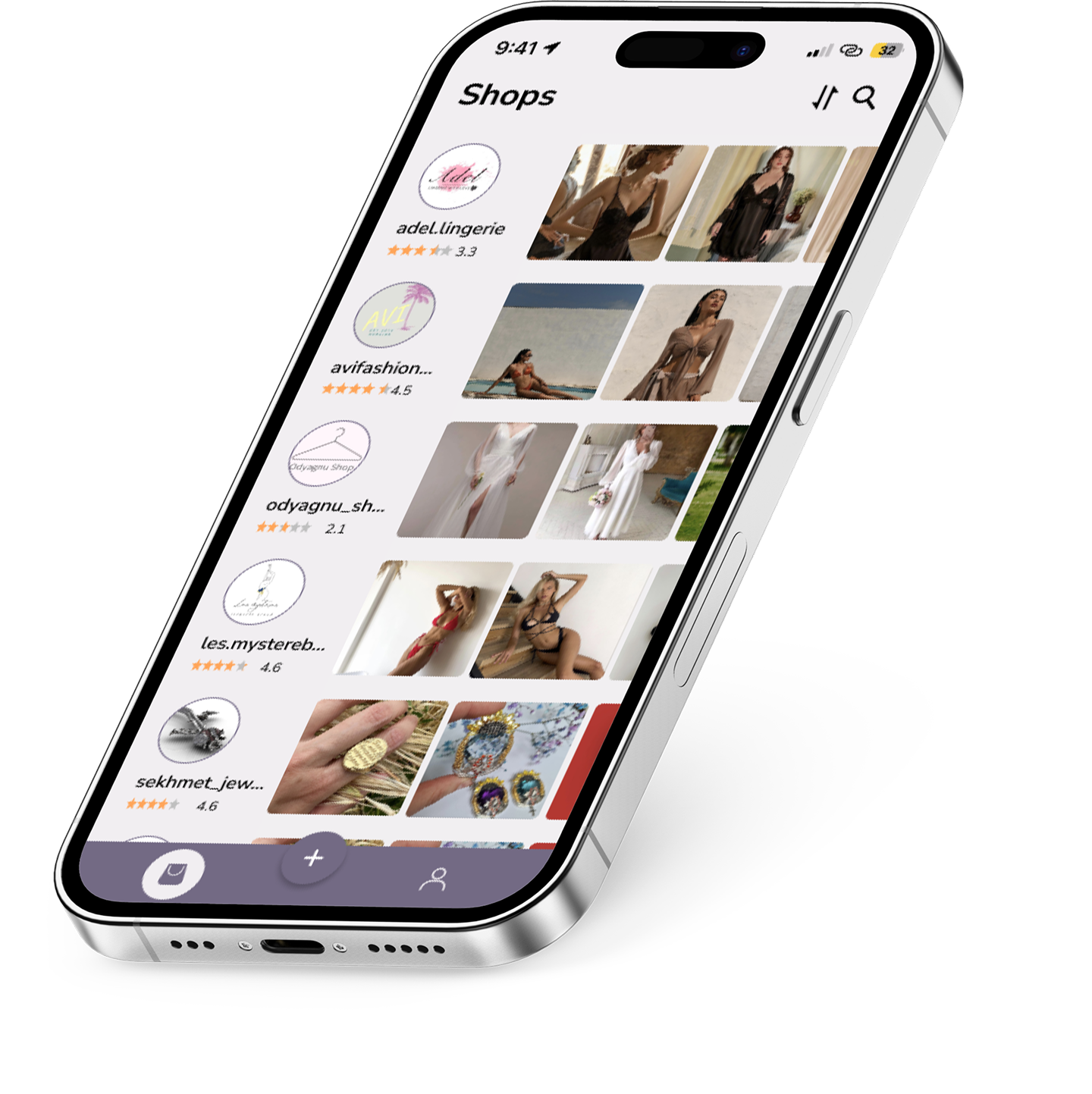
Instashop is a mobile app that helps users evaluate Instagram shops by viewing ratings, reviews, and product previews before making a purchase.






A high-level user flow illustrating core interactions in Instashop: onboarding, store browsing, product evaluation, and account actions.

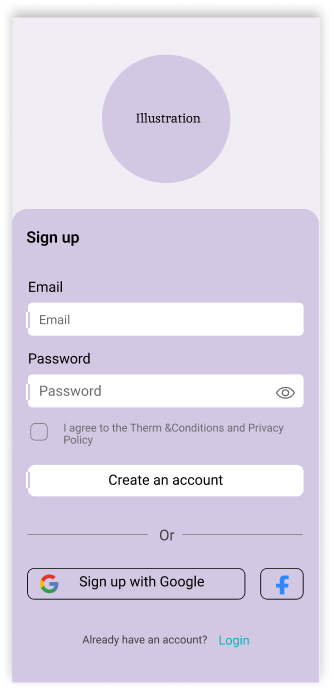
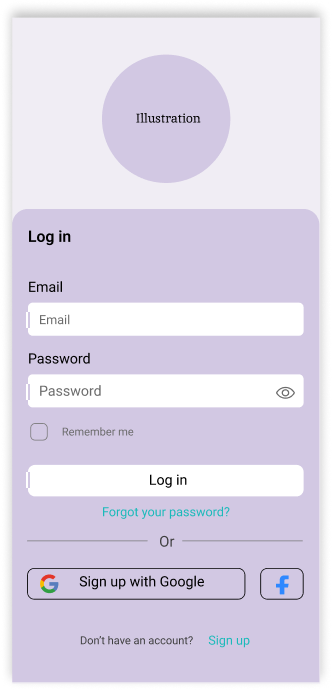
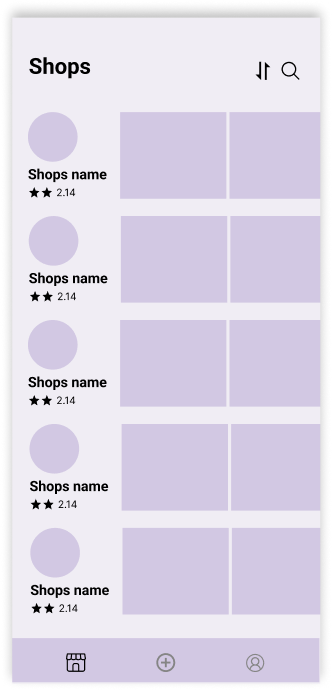
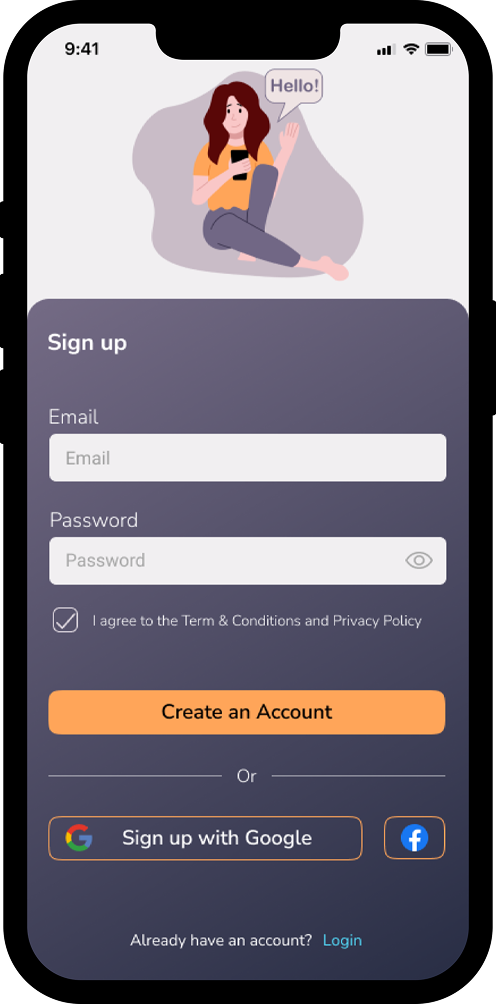
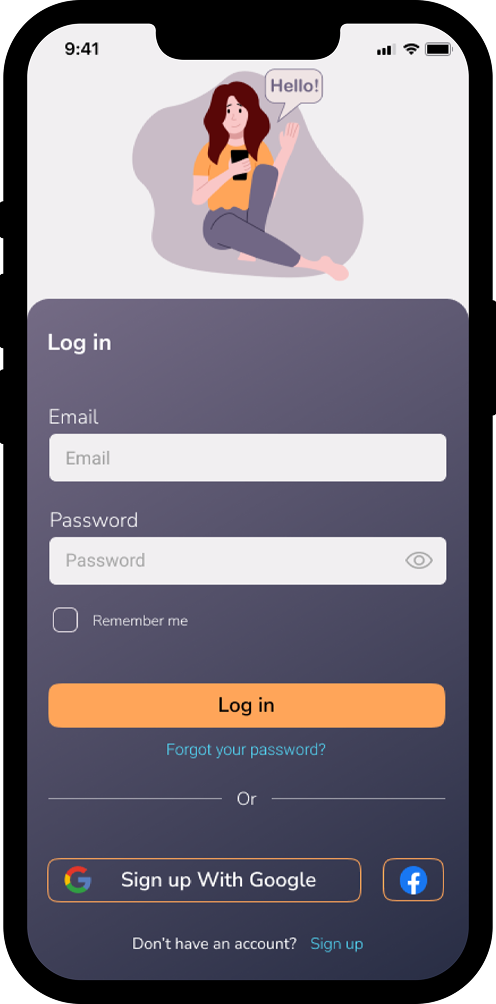
These mid-fidelity wireframes outline the core screens of Instashop, including onboarding, browsing, store interactions, reviews, and account settings. At this stage, the focus was on layout structure, interface logic, and navigation clarity before moving into visual design.
This color system combines soft neutrals with contrasting accents to create a clean, readable, and modern interface. The palette supports clear visual hierarchy, highlights key actions, and maintains consistency across the entire product experience.

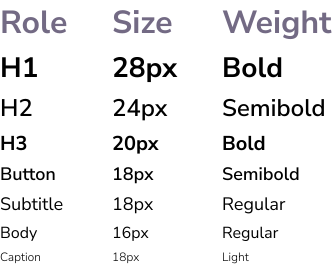
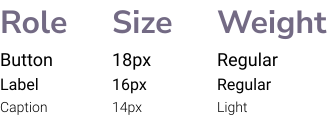
Instashop uses a clean and modern typography system based on Nunito Sans for primary UI elements and Roboto for supporting components. This combination ensures readability, clarity, and consistency across different screen sizes and platforms.

Used for headers, body text, buttons, and general UI elements.

Used for system-style labels, small captions, and Android-friendly UI components.
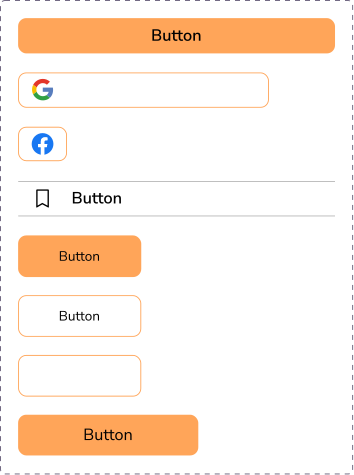
The UI Kit defines the core interface components used across Instashop, ensuring consistent behavior, visual clarity, and scalable interaction patterns.
Social • Navigation • Controls
iOS default status bar (light mode)

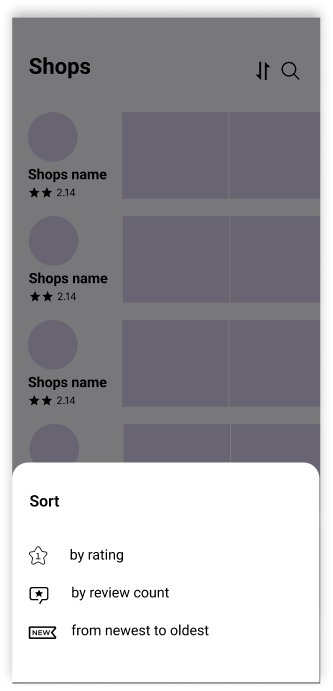
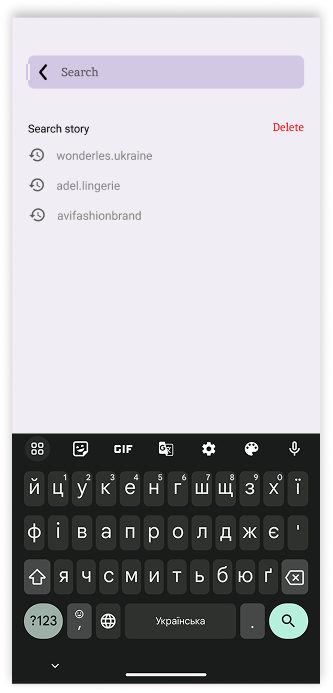
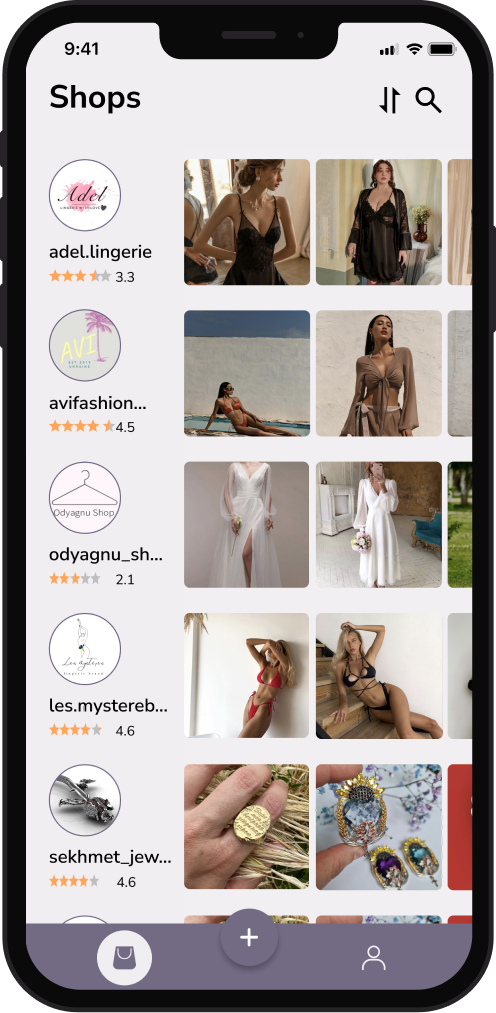
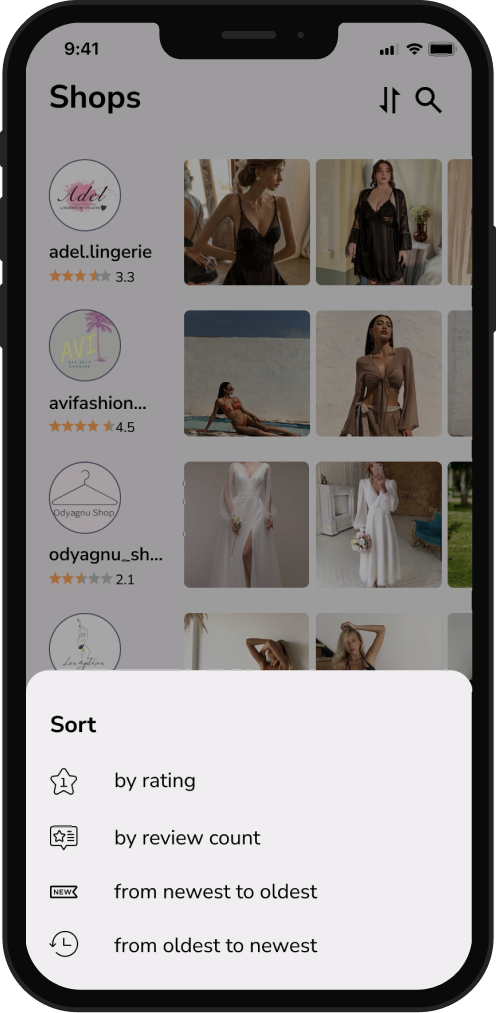
The Shops screen serves as the main browsing hub, allowing users to discover Instagram stores, view ratings, sort results, and access additional navigation options.
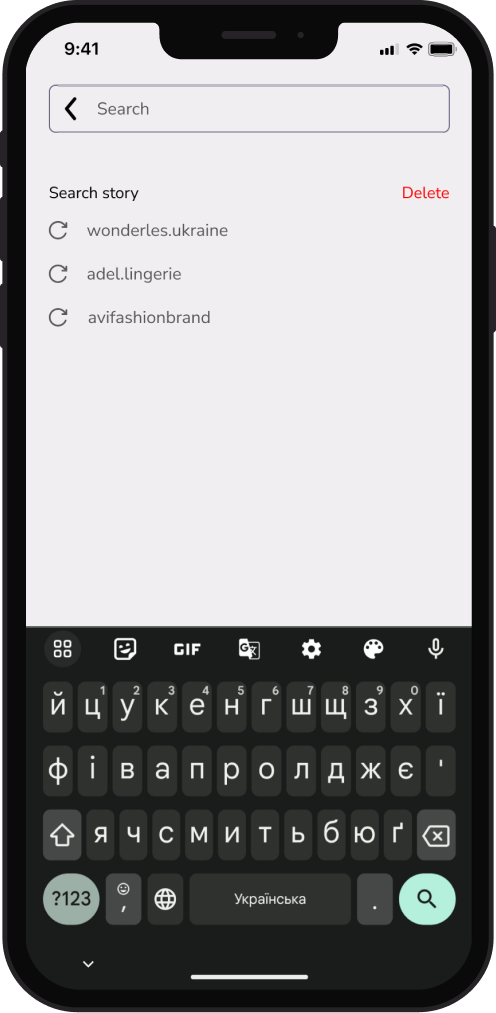
The Account section provides access to personal profile settings, saved content, support, and basic account management options.
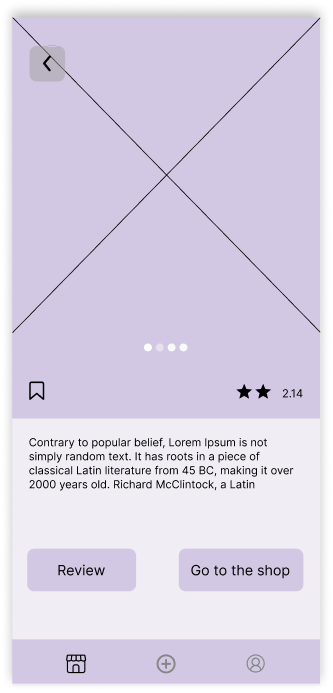
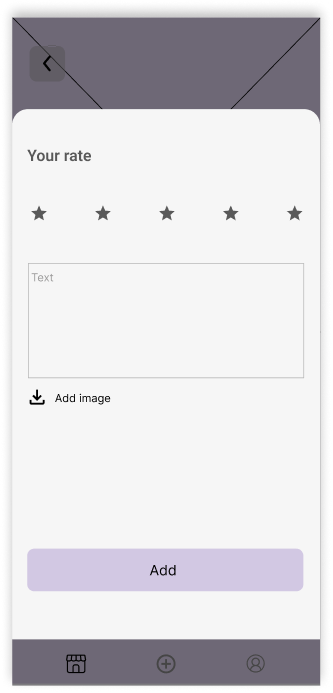
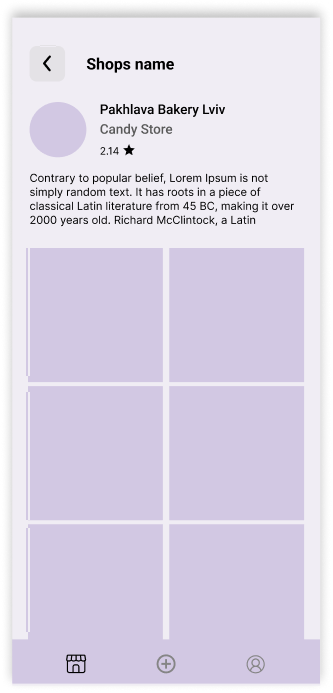
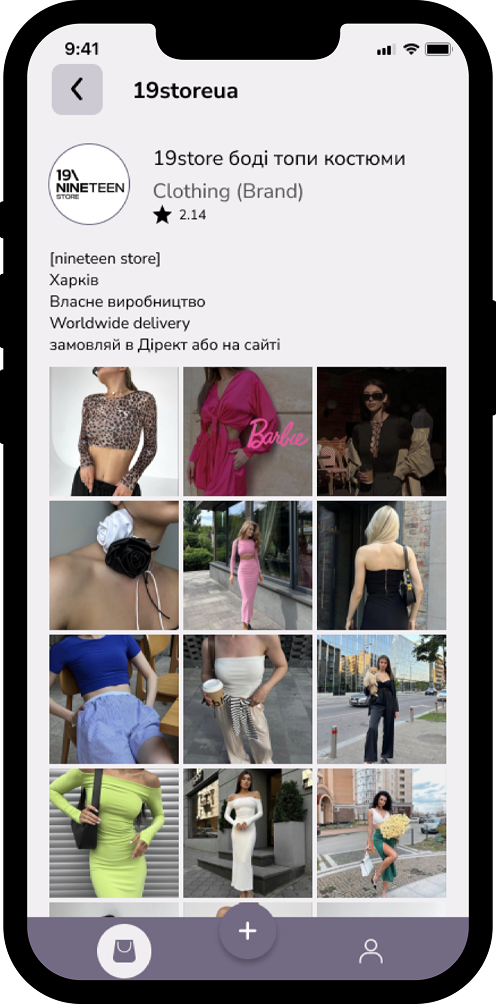
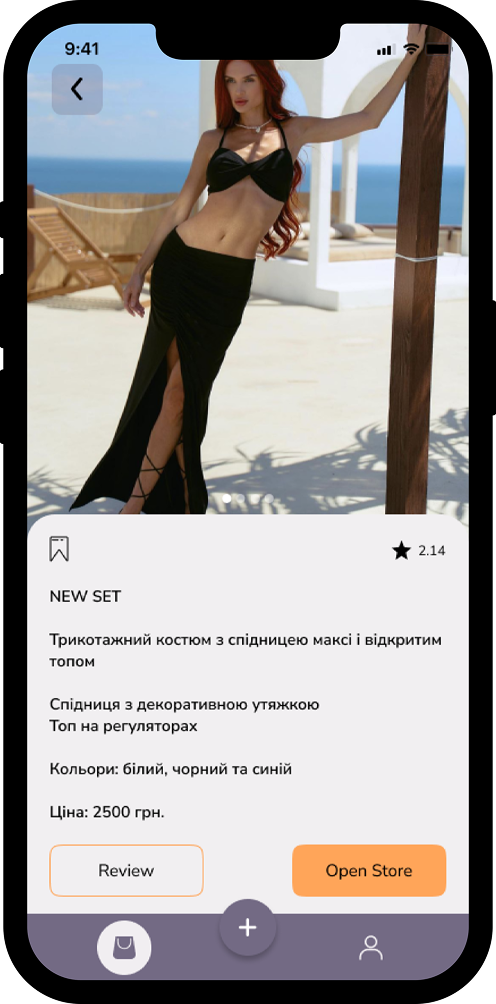
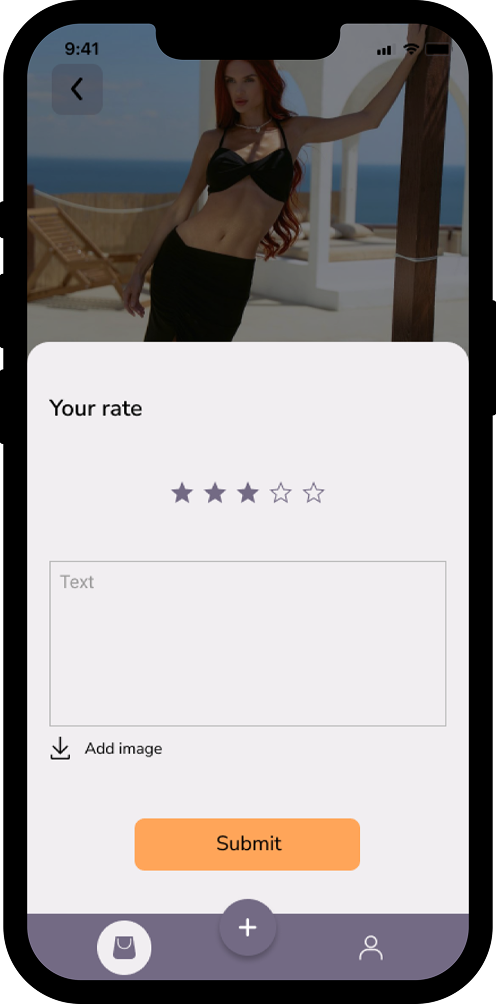
The Shop section provides users with access to Instagram store profiles, product previews, and rating functionality - all aggregated into a structured, shopping-friendly format.
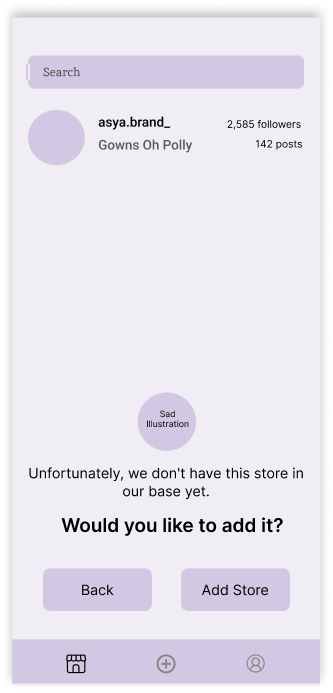
This flow supports cases where users search for a store that hasn't yet been added to the platform, ensuring database scalability and community-driven content growth.
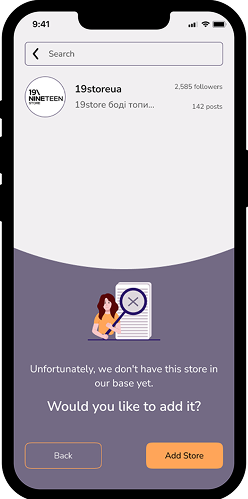
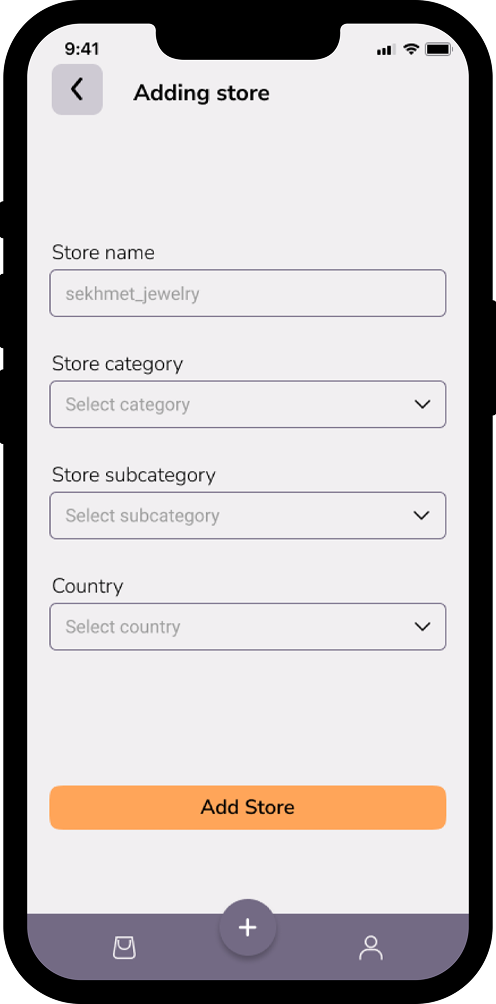
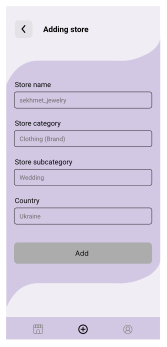
If the user agrees to add the store, they are guided through a simplified form requiring only essential information:
All data can be taken directly from the store's Instagram profile, minimizing cognitive load.
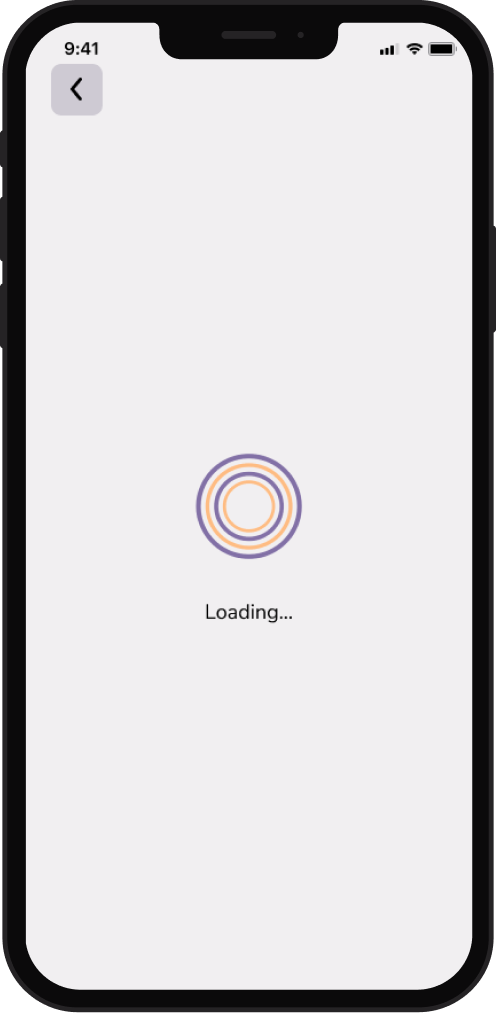
A lightweight loading state designed to bridge short wait times during data fetching without interrupting the user flow.
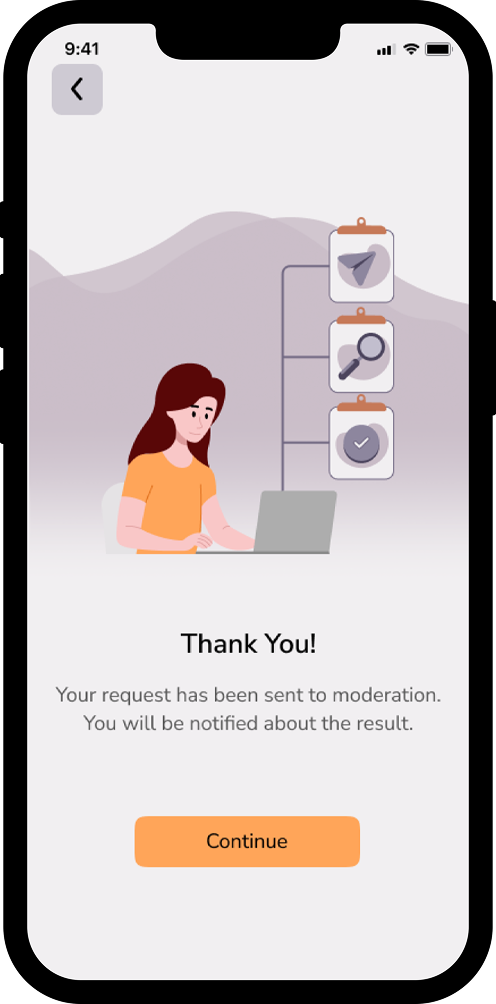
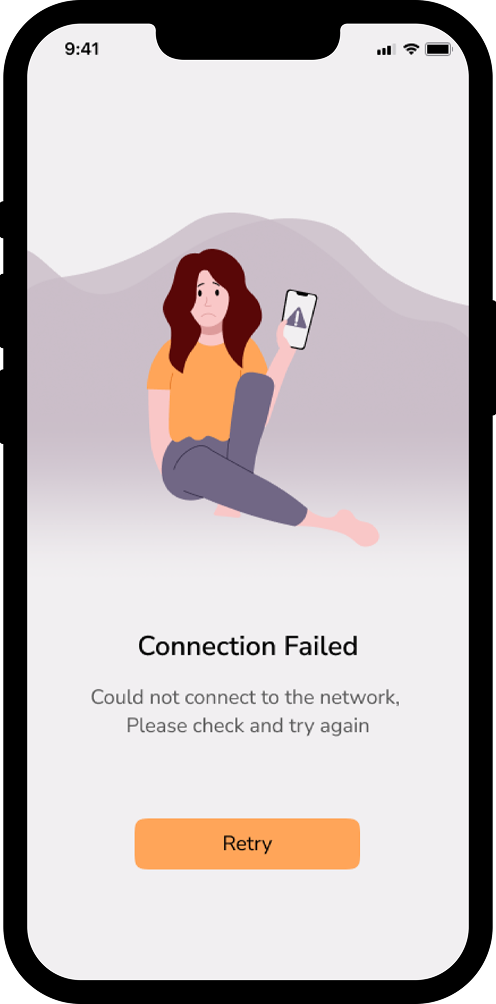
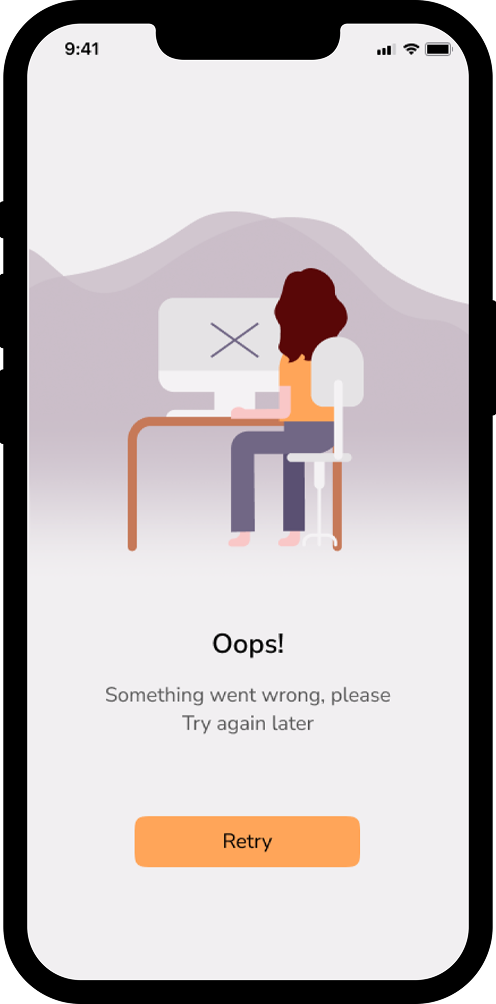
This set of screens provides a consistent and human-centered way to communicate system states that interrupt the primary user flow - such as moderation steps, connectivity issues, or unexpected errors.